主要是新创建前端项目后,如何通过 GitHub-Actions 实现每次 push 到 main 分支后,GitHub 自动构建 → 自动发布页面的操作
参考 https://zhongye1.github.io/BDdraw_DEV/#/ 其从仓库 https://github.com/Zhongye1/BDdraw_DEV 实现自动构建和部署
0.前置条件
- GitHub 账户 + 一个 public 仓库(私有仓库需要 GitHub Pro 才能开 Pages)
1. 创建 GitHub Actions 工作流
在仓库根目录创建文件: .github/workflows/deploy.yml
name: Deploy to GitHub Pages

on:
  push:
    branches: [main]
  workflow_dispatch:

permissions:
  contents: read
  pages: write
  id-token: write

jobs:
  deploy:
    environment:
      name: github-pages
      url: ${{ steps.deployment.outputs.page_url }}
    runs-on: ubuntu-latest
    steps:
      - name: Checkout
        uses: actions/checkout@v4

      - name: Setup Bun
        uses: oven-sh/setup-bun@v1
        with:
          bun-version: latest

      - name: Install dependencies
        run: bun install

      - name: Build
        run: bun run build

      - name: Setup Pages
        uses: actions/configure-pages@v5

      - name: Upload artifact
        uses: actions/upload-pages-artifact@v3
        with:
          path: "./dist"

      - name: Deploy to GitHub Pages
        id: deployment
        uses: actions/deploy-pages@v4
2. 配置 vite.config.ts 的 base
打开 vite.config.ts
import { defineConfig } from 'vite'
import react from '@vitejs/plugin-react'

export default defineConfig({
  plugins: [react()],
  base: '/BDdraw_DEV/',   // 必须和仓库名完全一致!大小写也要一样
})
如果想让它在本地开发和 GitHub Pages 都正常,可以写成动态 base:
export default defineConfig({
  plugins: [react()],
  base: process.env.NODE_ENV === 'production' ? '/BDdraw_DEV/' : '/',
})
3. GitHub 仓库设置 Pages 为 Actions 模式
- 进入仓库 → Settings → Pages(左侧菜单)
- Build and deployment → Source 选 GitHub Actions
- 保存
4. 提交代码触发第一次部署
git add .
git commit -m "chore: 新建 GitHub Actions 部署工作流"
git push origin main
然后去仓库 → Actions 标签页,就能看到正在跑的 “Deploy to GitHub Pages” 工作流。
成功后可以前往对应的 GitHub Pages 地址查看效果
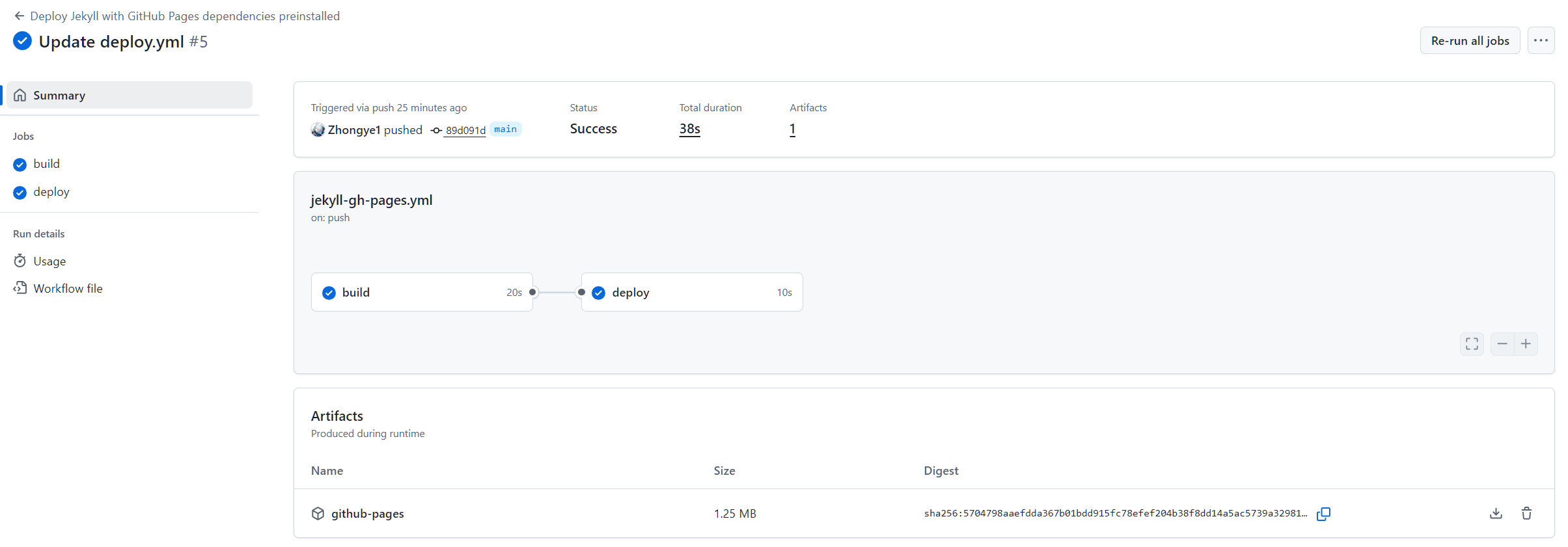
只要 push 到 main 分支,GitHub Actions 就会自动触发工作流,实现自动部署。
如果是私有仓库,需要 GitHub Pro 才能开 Pages